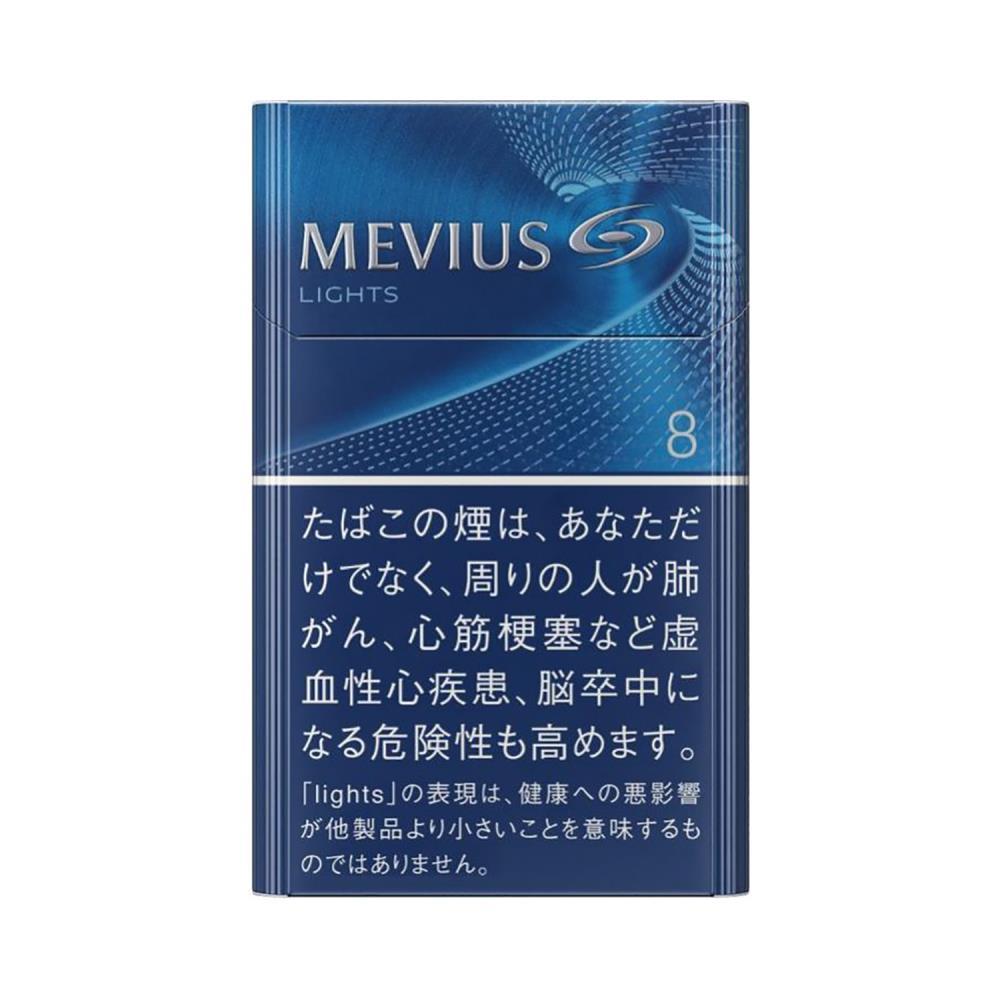
To reorder the same product from Ezoryx, start with the complete product name and SKU from your pack or previous order confirmation, then find the matching live product page and verify the name, SKU and sale unit before you add the item to your cart. Price, stock and other live details change over time, so always read them on the current product page rather than from an older screenshot or article. This guide is for adults aged 18 and over.
Start with the record you already have
Before searching the catalogue, write down the details you already hold. If you still have the pack, read the complete name printed on it, including every variant word. If you have a previous order confirmation, use the line-item name, the recorded SKU and the order number exactly as they appear. Do not rely on memory, a colour, or a shortened brand label, because several Ezoryx records share the same brand words.
Keeping that original record is the first step of a reliable reorder. The guide How to Preserve an Ezoryx Order Confirmation Record explains how to store the confirmation safely so it can support a later reorder.
Find the matching live product page
Open the Ezoryx catalogue and search using the full product name, or browse the brand sections of the shop. If the search returns more than one listing, open each candidate page and compare the complete names before choosing one.
The live catalogue is the current source of truth for every record. If the wording on the site differs slightly from the wording on your pack, do not assume the records are the same; compare the full name and the SKU instead.
Verify the complete product name and SKU
Once you open a candidate product page, confirm the record by matching the complete product name and the SKU character by character. The example record used in this guide is MEVIUS Lights 8mg – 1 Carton (10 Packs) with SKU SS-347.
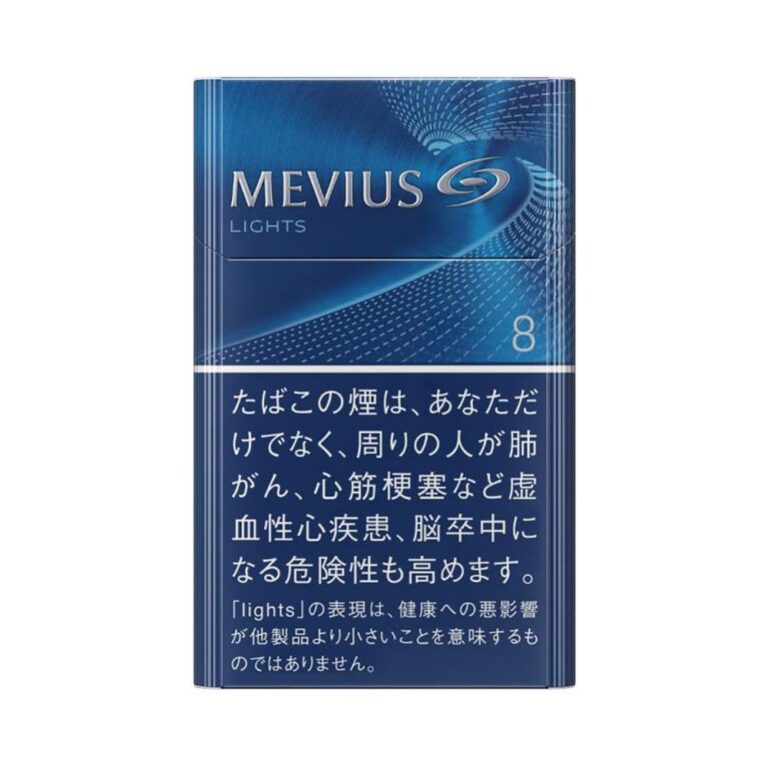
Check every letter, number and separator in the SKU. A similar product name is not enough to confirm a match: the code points to one specific catalogue record. If you copied the code from an earlier order, keep it beside the complete product name and the product-page URL so the two records can be compared later.
Check the sale unit and the quantity you want
The sale unit is part of the catalogue record and is usually stated in the product name itself. The example record above is sold as 1 Carton (10 Packs). When you reorder, check that the unit on the live page matches the unit you previously ordered, then select the quantity you need for that exact line. Do not combine two similarly named records in one cart line.
Check current price, stock and availability on the live page
Price, stock state and availability are live conditions that can change after an order is placed or after a catalogue record is updated. Read them on the current product page at the time you order, and treat any older observation, screenshot or article as out of date. This guide was checked on 18 August 2026; the product page remains the authoritative source for the details that change.
Watch for near-identical product names
Ezoryx lists several records that share brand words but are separate catalogue entries. For example, MEVIUS Lights 8mg – 1 Carton (10 Packs) (SKU SS-347) and Mild MEVIUS 10mg Hard Pack – 1 Carton (10 Packs) (SKU SS-370) are two different records with similar names. When you reorder, verify the SKU rather than relying on the name alone. The article MEVIUS Lights 8mg vs Mild MEVIUS 10mg Hard Pack: Ezoryx Catalogue Comparison sets out the recorded differences between that pair.
Complete the order and keep your records
Add the verified record to your cart, then review each cart line against the live product page before checkout. The guide How to Check Your Ezoryx Cart Before Ordering covers that step in detail, and How to Confirm an Ezoryx Product Record Before Adding It to Your Cart explains the same name, SKU and sale-unit check for any new item.
After you submit the order, keep the confirmation as your private transaction record so the same details are available for the next reorder. Delivery from Ezoryx is available only to eligible addresses within Australia, and the recipient must be at least 18 years old; review the current Shipping Policy before ordering.
Common reorder mistakes
- Ordering from memory or a screenshot instead of the complete product name and SKU.
- Choosing a listing by brand or colour alone when several records share the same brand words.
- Mixing two similar records, such as a Lights and a Mild variant, in one cart line.
- Ignoring the sale unit and ordering a different pack or carton size from the one you previously received.
- Treating an old price or stock observation as current instead of reading the live product page.
Reorder checklist
- Record the complete product name and SKU from your pack or previous confirmation.
- Find the matching live product page and compare the full name.
- Match the SKU character by character.
- Confirm the sale unit and the quantity for that exact line.
- Check the current price and stock state on the live page at the time of order.
- Review the cart, submit the order and keep the confirmation record.
This guide is for adults aged 18 and over and reflects the Ezoryx catalogue as checked on 18 August 2026. Product names, SKUs, prices and stock indicators identify live catalogue records and displayed information may change; the current product and cart pages are the authoritative record at the time of an order. See the Ordering Help library for related guidance.